Learn Video Editing Fundamentals: Master timeline editing, transitions, pacing, audio syncing, and visual storytelling. Create a showcase-ready 30–60 second edited video montage.
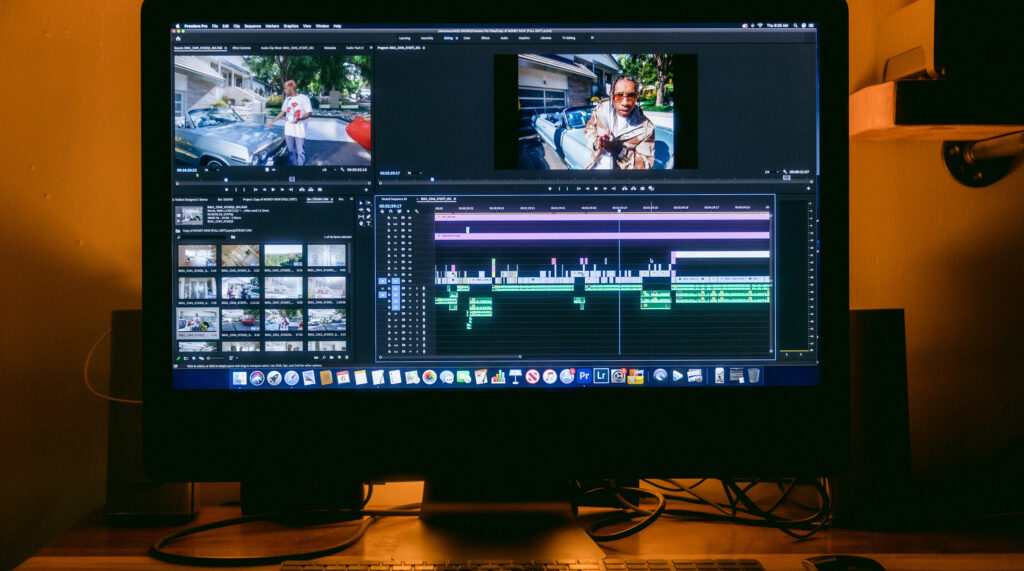
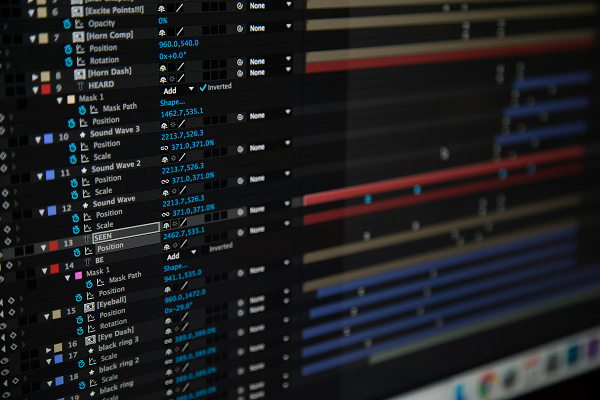
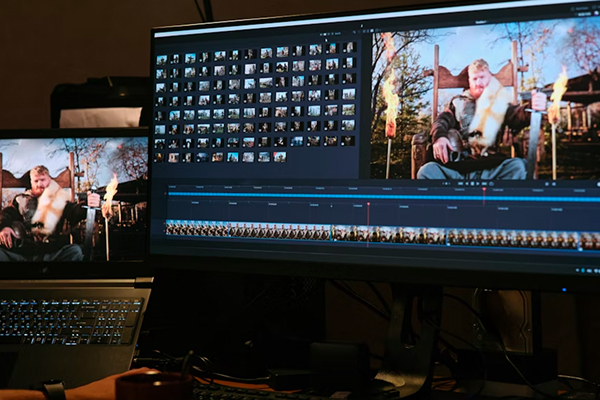
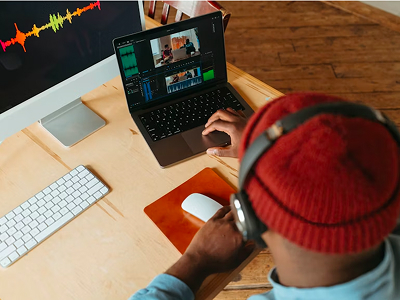
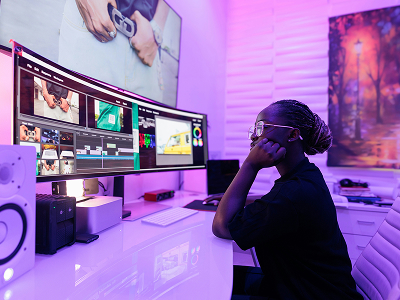
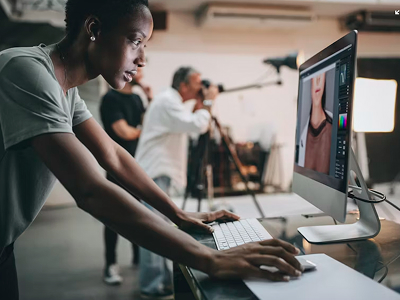
This 3-month Video Editing course introduces students to the fundamentals of video production and post-production. You will learn timeline editing, transitions, pacing, audio syncing, and basic color correction using industry-standard software like Adobe Premiere Pro and DaVinci Resolve. The course also covers storyboarding, visual composition, and export formats for social media and web. It concludes with a mini project editing and presenting a short 30–60 second video montage.
Duration: 3 Months
Schedule Weekdays or Weekends
Certificate: GWD101
Module One
Introduction to Video Editing
Learn the fundamentals of video editing software (Adobe Premiere Pro, DaVinci Resolve), basic interface navigation, and project setup.
Timeline Editing & Clip Arrangement
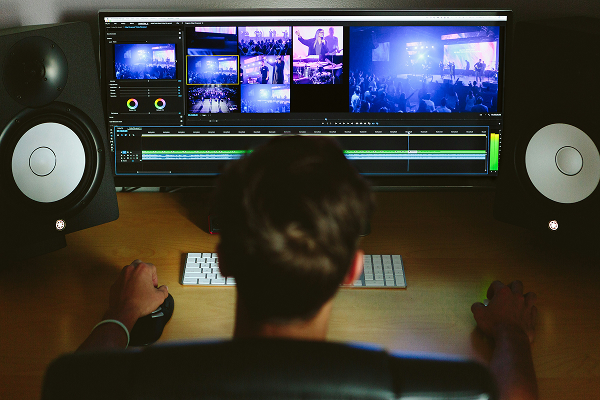
Master organizing clips, trimming, and arranging sequences to create smooth, coherent video narratives.
Transitions, Cuts & Pacing
Explore different types of cuts and transitions, and learn how to control pacing to enhance storytelling and audience engagement.
Audio Syncing & Sound Layering
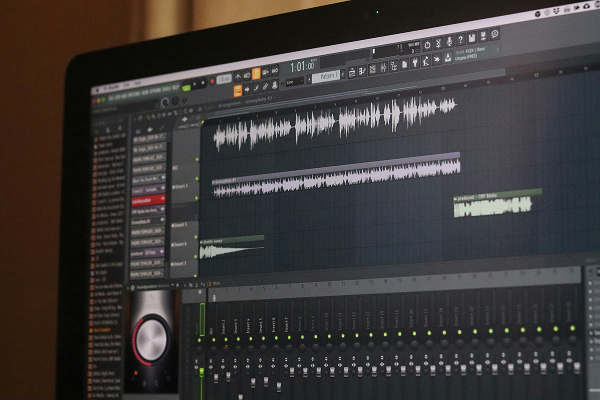
Understand how to sync audio to video, add background music, sound effects, and layer audio tracks for professional-quality sound.
Storyboarding & Visual Planning
Learn to plan video sequences with storyboards, sketch shot compositions, and structure scenes for clear visual storytelling.
Exporting & Portfolio Creation
Export videos for social media and web, optimize file formats, and compile a mini portfolio of 2–3 edited clips to showcase your skills.
Fees
Tuition: ₦214,000
Registration Fee: ₦5,000
Total: ₦219,000
Flexible payment plans available. Contact admissions for instalments and scholarship options.
Career Opportunities
Graduates of the 3-month Video Editing course can pursue entry-level roles in the creative and digital media industry. Career paths include working as a junior video editor, social media video producer, or post-production assistant, creating engaging content for brands, campaigns, and online platforms. Freelance opportunities are also available for those interested in independent video projects, short films, or promotional content.
Junior Video Editor
Social Media Video Producer
Post-Production Assistant
Freelance Video Editor
Apply Now
Ready to begin? Click the Apply button to start the enrollment process. Need advice - contact admissions.